Mobile Crypto Wallet App: A Beginner's Guide to Getting Started
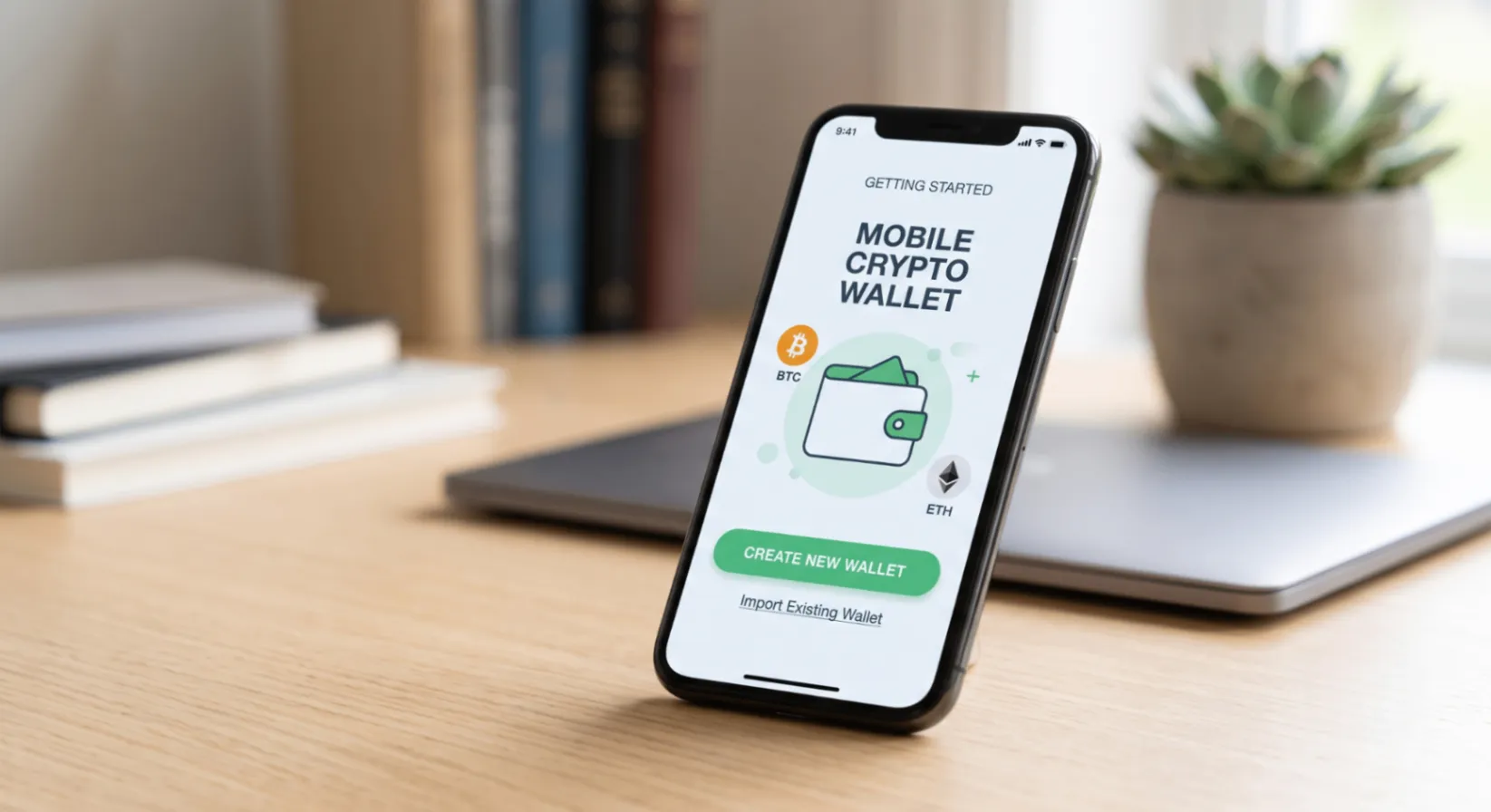
Setting up a mobile crypto wallet app for the first time can feel more intimidating than it needs to be. The core process — download, generate, back up, use — is straightforward, but it involves a few steps that carry real consequences if done carelessly. This guide walks through each stage clearly, with the goal of getting a beginner from zero to a securely set-up wallet without skipping the details that actually matter.
Step 1: Choose the Right App the Right Way
Before installing anything, verify you're getting the legitimate app:
- Search for the wallet by name directly, rather than clicking links from unsolicited messages or ads.
- Download only from the official website, and verify the URL carefully before entering it.
- Check that the download page clearly identifies the developer or company, and cross-check that against other official channels (social media, documentation) for consistency.
- Avoid any link or listing with a name that's slightly misspelled or altered from the official branding — this is a common tactic for fake wallet apps designed to steal seed phrases. Our best mobile crypto wallet guide covers this evaluation process in more depth.
Taking a few extra minutes here prevents the single most damaging mistake a beginner can make: installing a counterfeit app before ever holding real funds.
Step 2: Understand What You're Creating
When you open the app for the first time, you'll typically be offered two options: create a new wallet or import an existing one. As a beginner, you'll create a new wallet, which generates:
- A private key — the cryptographic credential that controls your funds
- A seed phrase (usually 12 or 24 words) — a human-readable backup of that private key
- One or more public addresses — what you share with others to receive funds
Nothing about this process requires your personal information, ID, or an account with the app developer, because the wallet is non-custodial — it doesn't rely on a centralized account system.
Step 3: Back Up Your Seed Phrase Correctly
This is the single most important step in the entire setup process, and it's where most beginner mistakes happen.
Do:
- Write the seed phrase on paper, in the exact order shown
- Store it in a secure physical location — a safe, lockbox, or similarly protected spot
- Consider a second, separate backup location in case of fire, flood, or loss
Don't:
- Take a screenshot or photo of the seed phrase
- Store it in a notes app, email, or cloud storage service
- Share it with anyone claiming to be “support” — no legitimate wallet provider will ever ask for it
If your seed phrase is ever exposed to the internet in any form, treat that wallet as compromised and move funds to a newly generated wallet as soon as possible.
Step 4: Secure the App Itself
Once your wallet is created and backed up, add a device-level layer of protection:
- Enable biometric unlock (fingerprint or face recognition) if the app supports it
- Set a PIN specific to the wallet app, separate from your phone's general lock screen
- Turn on any available auto-lock timer, so the app secures itself after a period of inactivity
Step 5: Fund the Wallet — Carefully
Before moving significant funds, send a small test transaction first:
- Copy your wallet's receiving address (or scan the QR code) from wherever you're sending funds from.
- Double-check the first and last several characters of the address match exactly.
- Confirm you're sending on the correct network — many assets exist on multiple blockchains, and sending on the wrong one can result in permanent loss.
- Send a small amount first and confirm it arrives before sending the rest.
Step 6: Learn the Core Actions
Once funded, familiarize yourself with the basics before doing anything more advanced:
- Sending: Always verify the recipient address and network before confirming.
- Receiving: Share your public address or QR code — this is always safe to share.
- Checking balances: Understand how the app displays value (native token amount versus fiat conversion).
- Reviewing transaction history: Most wallets link out to a blockchain explorer where you can verify transaction status independently.
Common Beginner Mistakes to Avoid
| Mistake | Why It Matters |
|---|---|
| Skipping the seed phrase backup | No password reset exists — loss is permanent |
| Screenshotting the seed phrase | Creates a digital copy vulnerable to theft |
| Sending on the wrong network | Often results in permanently lost funds |
| Ignoring transaction previews | Malicious dApps can request excessive permissions |
| Downloading from unofficial links | Common vector for counterfeit wallet apps |
Frequently Asked Questions
Do I need to verify my identity to use a mobile crypto wallet app?
No — non-custodial wallets don't require identity verification to create or use, since there's no centralized account involved. You may need to verify identity separately if you use an in-app service to buy crypto with fiat currency.
What if I forget my wallet's PIN?
As long as you have your seed phrase, you can reinstall the app and restore your wallet, then set a new PIN. Without the seed phrase, a forgotten PIN combined with a lost device means lost access.
Is it safe to keep my life savings in a mobile wallet?
For most people, mobile wallets are well-suited to everyday amounts and active use. For substantial, long-term holdings, pairing the mobile wallet with a hardware wallet adds meaningful extra protection.
Understanding Gas Fees Before Your First Transaction
One concept that trips up nearly every beginner is the network fee, often called “gas” on many blockchains. This fee compensates the network for processing your transaction and varies based on network congestion at the time you send. A few practical points worth understanding upfront:
- Fees are paid to the network, not to the wallet app itself
- Fees can fluctuate significantly depending on how busy the network is at a given moment
- Most wallet apps show an estimated fee before you confirm, and some let you adjust it — a higher fee generally means faster confirmation
- You typically need a small amount of the network's native asset available to cover fees, even if you're sending a different token on that same network
New users are sometimes surprised to find a transaction fails not because of an error, but because the wallet didn't have enough of the native asset to cover the gas fee, even though it had plenty of the token being sent.
What to Do If Something Goes Wrong
Even with careful setup, occasional issues arise — a transaction that seems stuck, an unexpected fee, or uncertainty about whether a transfer went through. In these situations:
- Check the transaction on a blockchain explorer using the transaction ID from your wallet's history — this shows the transaction's actual status independent of the app's display.
- Avoid panicking and resending immediately if a transaction appears delayed; network congestion can cause temporary delays without indicating a failure.
- Never share your seed phrase with anyone offering to “help” resolve an issue, regardless of how official they appear — this is one of the most common social engineering tactics used against crypto beginners.
- Reach out through official support channels only, verified directly through the wallet's official website, not through links or contacts found elsewhere.
Building Confidence Through Small, Deliberate Steps
The fastest way to move from feeling uncertain to feeling comfortable with a mobile crypto wallet is repetition with small stakes. Send a small test amount, receive a small amount, try connecting to a well-known, reputable dApp with a minimal balance, and review the transaction history to see how each action is reflected. Each small, low-stakes action builds the practical familiarity that reading alone can't fully provide, and by the time larger amounts are involved, the core actions — verifying an address, previewing a transaction, checking network selection — will already feel routine rather than unfamiliar.
Setting Expectations for the Learning Curve
It's worth acknowledging upfront that the first hour or two with a new mobile wallet often feels slower and more deliberate than it will later. Terms like seed phrase, gas fee, and network confirmation aren't intuitive on first exposure, and that's normal — the goal during setup isn't speed, it's accuracy. Most of what feels unfamiliar during the first setup becomes second nature after just a handful of transactions. Give yourself permission to move slowly through that first hour — double-checking each field, re-reading each confirmation screen — since the habits formed during that initial period tend to carry forward into how carefully you handle every transaction afterward.
The Bottom Line
Getting started with a mobile crypto wallet app is genuinely simple once you understand the handful of steps that actually matter: verifying the app is legitimate, backing up your seed phrase correctly, and double-checking transaction details before confirming. Take those steps carefully the first time, and everything after becomes routine.
Download DOK Wallet and get started safely at dokwallet.com.